Wasted Items
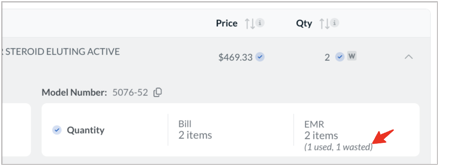
Wasted items, in any portion, are displayed in the Bill Review Module. Casechek extracts the waste information directly from the patient’s log in the EHR and shows it on the bill.
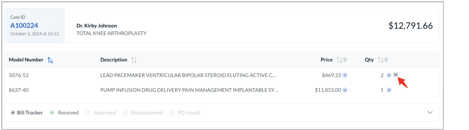
When one or more items are wasted, you’ll see the “W” icon displayed next to the item’s quantity validation icon:
When expanding the line item in the bill details, you’ll see the total quantity broken out by its used and wasted portions.